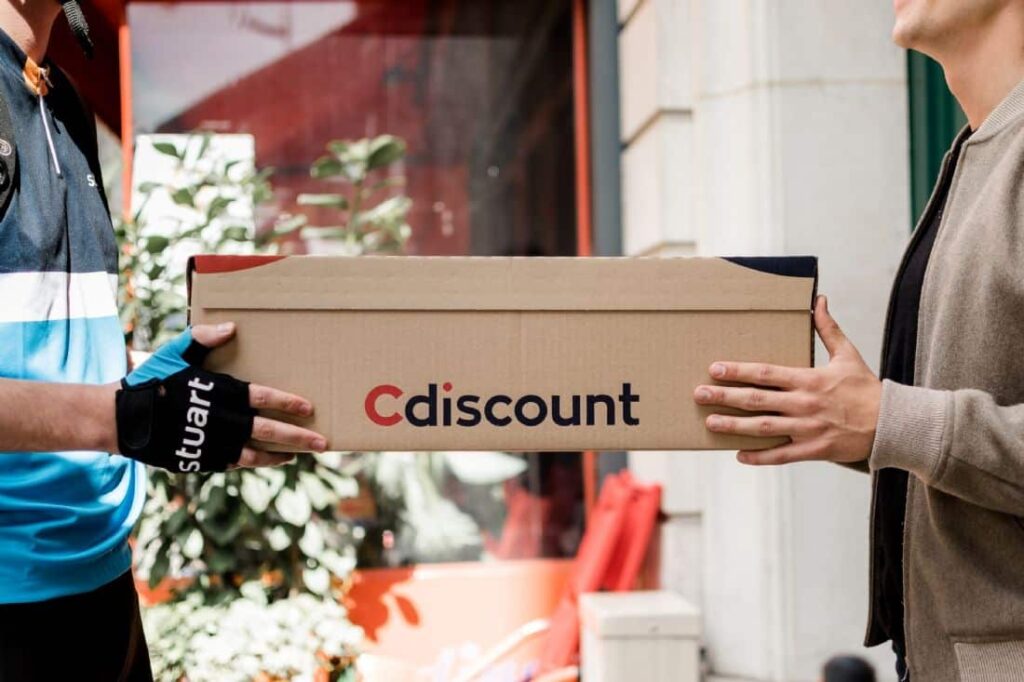
Buying different products directly online is one of the fastest and simplest solutions available. However, before you can validate your purchase, you need to have a customer account. This account will allow you to manage your orders and facilitate the management of your carts. On Cdiscount, even though the interface is quite simple and understandable for everyone, it is sometimes necessary to take precautions in account management to avoid handling errors. Find out here how to manage the different options of your account.
How to manage your orders on Cdiscount?
With your Cdiscount account, you indeed have the option to modify your cart, track your orders, and even return them in case of a problem. To do this, you need to access your customer area and click on “my orders.” A list of options will appear, and you can then make a choice. Additionally, in this area, you will see the status of your order. If it has already been delivered, you have the option to request an invoice or print a proof of purchase.
If you have an ongoing order, you can either modify it, return it, or even cancel it. These options facilitate purchases and allow you to better manage your orders.
Modify your personal information
When you want to change your password, for example, to ensure the security of your data or for any other change, go to the personal information section. In this section, you can modify payment information, add a payment card, or remove a card from your list. To do this, you need to click on “my bank cards.”
For changing your address, open the appropriate tab by clicking on the “my addresses” button. Besides these two options available in the personal information section, there are others. Indeed, it is in this section that you can modify your login credentials, find your wish lists, manage your personal data, etc. Thanks to these various possibilities, managing my Cdiscount account is easier.
What are the other options for the Cdiscount account?
For a better experience on the platform, the Cdiscount customer area allows you to track the subscriptions you have subscribed to. You can therefore decide to end your subscription from this area. You can also manage your Cdiscount energy subscription and control your various bills directly through the platform.
In case of questions or concerns, you can first read the frequently asked questions section. It helps optimize your time and allows you to find answers to your questions more quickly. You can also directly contact customer service if you have a specific concern. Don’t forget to read the various security and privacy conditions to better use the services in accordance with the rules.
In summary, it is important to know that managing your Cdiscount account is easy. Detailed information is available, and the various options are clearly expressed to facilitate understanding. You can also easily choose the options that suit you.